

Introduction
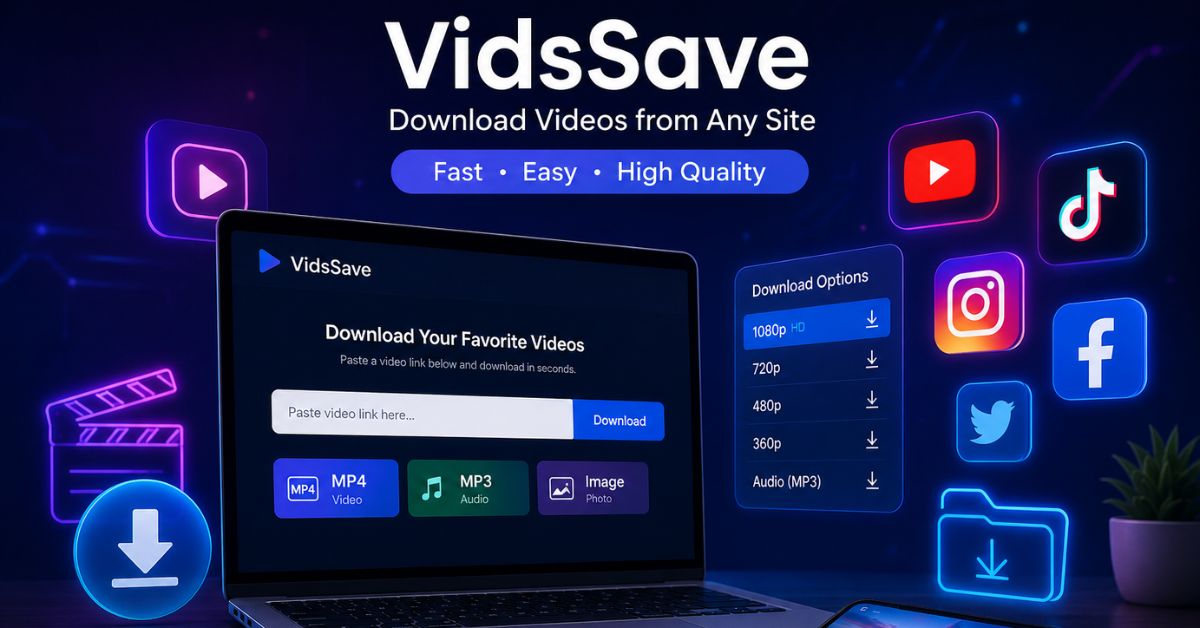
Online videos have become an important part of education, entertainment, work, and daily communication. People watch tutorials, interviews, short clips, product guides, and lessons on many different platforms. However, streaming is not always convenient. Slow internet, limited mobile data, travel, and poor network coverage can make it difficult to watch useful content at the right time. VidsSave offers a simple browser-based way to save supported videos, audio files, reels, images, and short clips for offline access.
The platform is designed for users who prefer a fast process without installing heavy software or creating an account. A user copies a public media link, pastes it into the downloader, and selects an available format or quality. This guide explains how VidsSave works in 2026, its main features, supported formats, privacy concerns, safety practices, common problems, and responsible use. It also helps readers choose the right video quality and avoid suspicious files while downloading online media.
What Is VidsSave?
VidsSave is an online media downloader that processes public links from supported websites. Users copy a video or post URL, paste it into the website, and choose an available format. The file can then be saved to a phone, tablet, laptop, or desktop computer.
It may support videos, reels, stories, audio, photos, GIFs, and carousel posts. Platform updates can change these options. VidsSave helps people gain offline access to content they are allowed to save.
How Does It Work?
The process does not require advanced technical skills:
- Open the video or public post.
- Tap or click Share.
- Copy the full media link.
- Open VidsSave in an updated browser.
- Paste the link into the box.
- Choose a format and resolution.
- Save the file.
The website checks which files are available. It cannot improve the original quality. A video uploaded in 720p cannot become true 4K simply because a high-resolution option appears.
Supported Media Types
The service may process public videos, reels, stories, audio, photos, and GIFs. Content that is restricted, paid, private, or deleted might not function. Users should never bypass security or privacy controls.
| Media type | Common use |
| MP4 video | Offline viewing |
| MP3 audio | Permitted lessons or speech |
| Short clips | Public reels and shorts |
| Images and GIFs | Saved visual posts |
| Stories | Public stories when supported |
Choosing the Right Quality
Higher resolution looks clearer, but it needs more storage and can take longer to download.
| Quality | Best for | File size |
| 360p | Small screens | Small |
| 480p | Mobile viewing | Small to medium |
| 720p | Phones and laptops | Medium |
| 1080p | Larger screens | Large |
| 4K | Large displays | Very large |
Before using VidsSave, check the free space on your device. For most users, 720p or 1080p offers a good balance between clarity and file size.
Main Benefits
A browser-based downloader avoids complicated installation. It is useful for beginners who need a quick way to process a media link.
Main advantages include:
- No large program to install
- Quick copy-and-paste steps
- Mobile and desktop support
- Several quality choices
- Possible video and audio formats
- Access from modern browsers
VidsSave can help students, travelers, teachers, trainers, and creators who need permitted content when internet access is limited.
Safe Use and Browser Security
Online download websites should be used carefully. Some pages may contain advertisements, pop-ups, or misleading buttons.
Follow these safety steps:
- Keep your browser updated.
- Confirm the website address.
- Avoid EXE, APK, MSI, or ZIP files.
- Do not install unknown extensions.
- Never enter a social media password.
- Scan unfamiliar files.
When using VidsSave, the file should match the selected format. If you chose MP4 but receive a program file, delete it without opening it.
Privacy and Personal Data
A downloader may process the pasted link, browser type, device information, IP address, and cookies. Read the privacy policy, avoid private-account links, and never download sensitive personal videos. A public-link downloader should not need your social media password.
Legal and Responsible Downloading
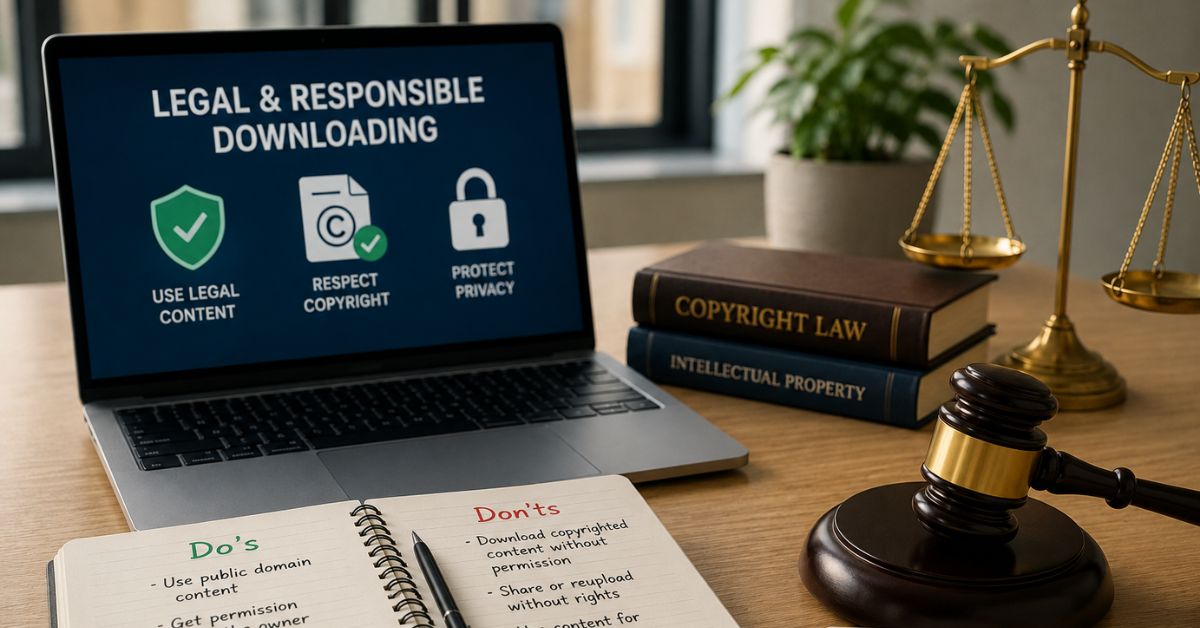
Being able to download a file does not automatically give permission to keep, edit, publish, or sell it. Videos, music, photos, and other works may be protected by copyright.
Safer content includes
- Videos you created
- Media saved with permission
- Public-domain content
- Work under a suitable license
- Files with an official download option
Use VidsSave only for lawful purposes. Do not remove watermarks, repost another creator’s work without permission, sell downloaded media, or claim someone else’s content as your own.
Common Download Problems
A download may fail because the link is incomplete, the post is private, the media was deleted, or the source platform changed its system.
Try these solutions
- Copy the full link again.
- Check that the original post opens.
- Refresh the download page.
- Try another updated browser.
- Clear browser cache and cookies.
- Choose a lower quality.
- Check storage and internet access.
If the tool stops working with a platform, use the platform’s official download option when available.
Who Can Use It?
Students may save approved lessons, teachers can prepare permitted presentations, and creators can back up their own posts. Travelers may also prepare authorized entertainment. After using VidsSave, organize files in clearly named folders.
Important Limitations
No downloader can promise permanent support for every website because platforms often change their systems. VidsSave may not support private posts, playlists, subtitles, live streams, restricted videos, or paid content. Results also depend on source quality, browser support, storage, and internet speed.
FAQs
Is VidsSave free?
It may offer free browser-based downloads, although advertising may support the website.
Does it work on mobile phones?
Yes, it is designed for supported mobile and desktop browsers.
Can it download MP3 files?
An MP3 option may appear when audio extraction is supported and permitted.
Why is 4K unavailable?
The original video or platform may not provide a 4K version.
Is downloading online videos legal?
It depends on copyright, permission, licensing, local law, and platform terms.
Conclusion
VidsSave offers a straightforward way to save supported online media for offline use. Its browser-based design, flexible formats, and easy link process make it accessible to beginners. However, convenience should never replace good judgment. Before downloading, confirm that the media belongs to you, has a suitable license, or comes with the creator’s permission. Keep your browser secure, avoid suspicious files, protect personal information, and prefer official download features when available. Start by testing VidsSave with one public video that you are legally allowed to save. Choose a suitable resolution, check the file type, and place it in a clearly named folder.